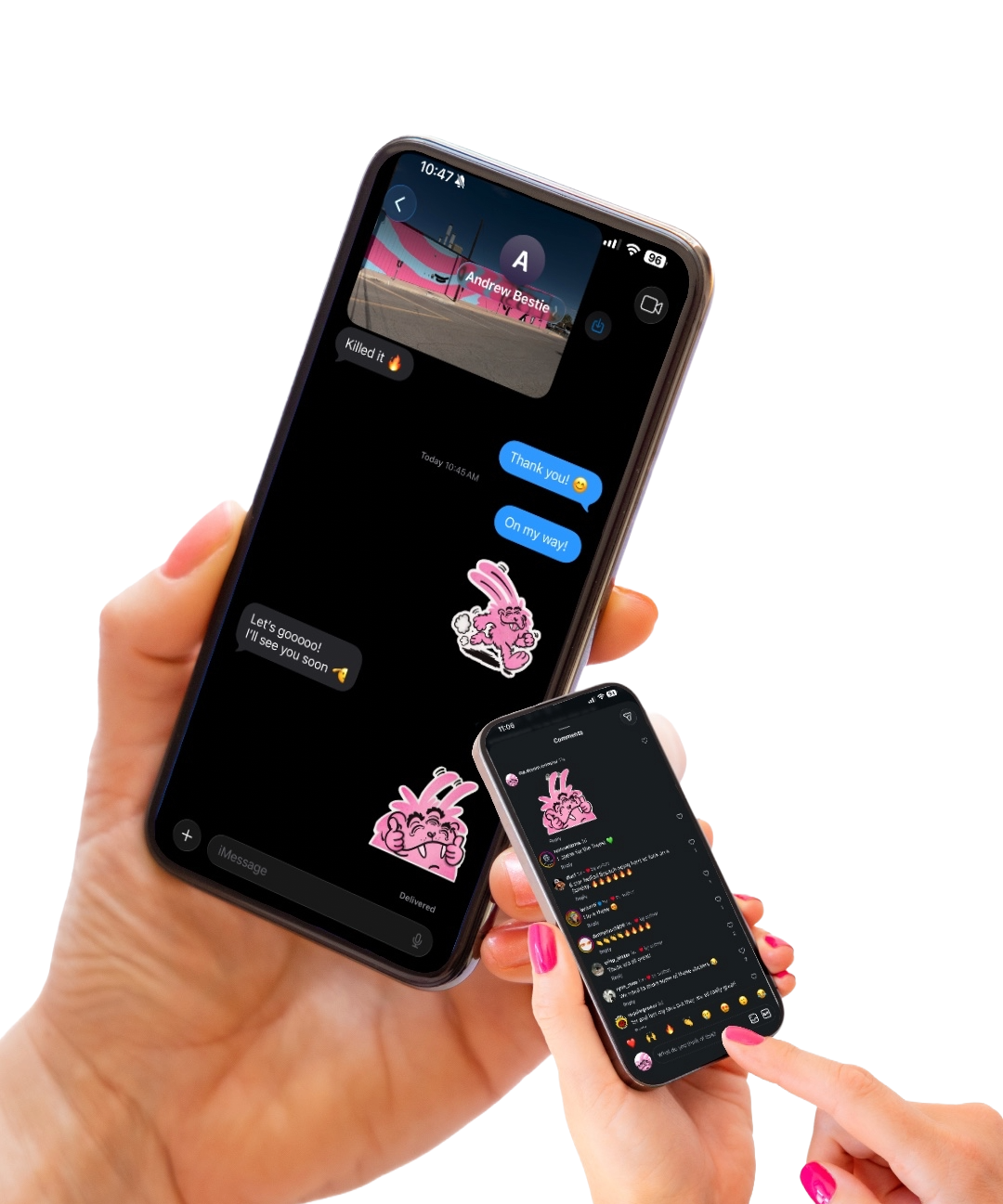
DREAM MONSTER IS OFFICIALLY IN YOUR PHONE.
Vol. 01 includes 7 digital stickers — 6 you can see + 1 secret.
Download them, save them, and use them in Texts, Stories, DMs, and more.
Free download. Personal use only.
HOW TO USE:
1. DOWNLOAD
Download the sticker pack to your phone.
2. UNZIP
Open the ZIP file to access all 7 Dream Monster stickers.
3. SAVE
Save the PNG stickers you want to your phone.
4. STICK ’EM
Add them to texts, DMs, Stories, photos, or wherever you want a little Dream Monster.
TIP: The stickers have transparent backgrounds, so you can layer them right onto photos and posts.
ADD TO YOUR IPHONE STICKERS
Once you’ve saved the Dream Monster images to your Photos:
1. Open the sticker you want in Photos.
2. Press and hold the Dream Monster.
3. Tap Add Sticker when it pops up.
4. That’s it! Your Dream Monster is now saved to your sticker collection directly in your emoji keyboard and ready to use in Messages and other supported apps.
Repeat for each Dream Monster you want to add.
FOR PERSONAL USE ONLY. PLEASE DON’T RESELL OR REDISTRIBUTE THE FILES.
HAVING TROUBLE DOWNLOADING?
If the download opens to a blank screen, tap the icon in the top right corner and choose Open in Browser. From there, you should be able to download and save the ZIP file normally.


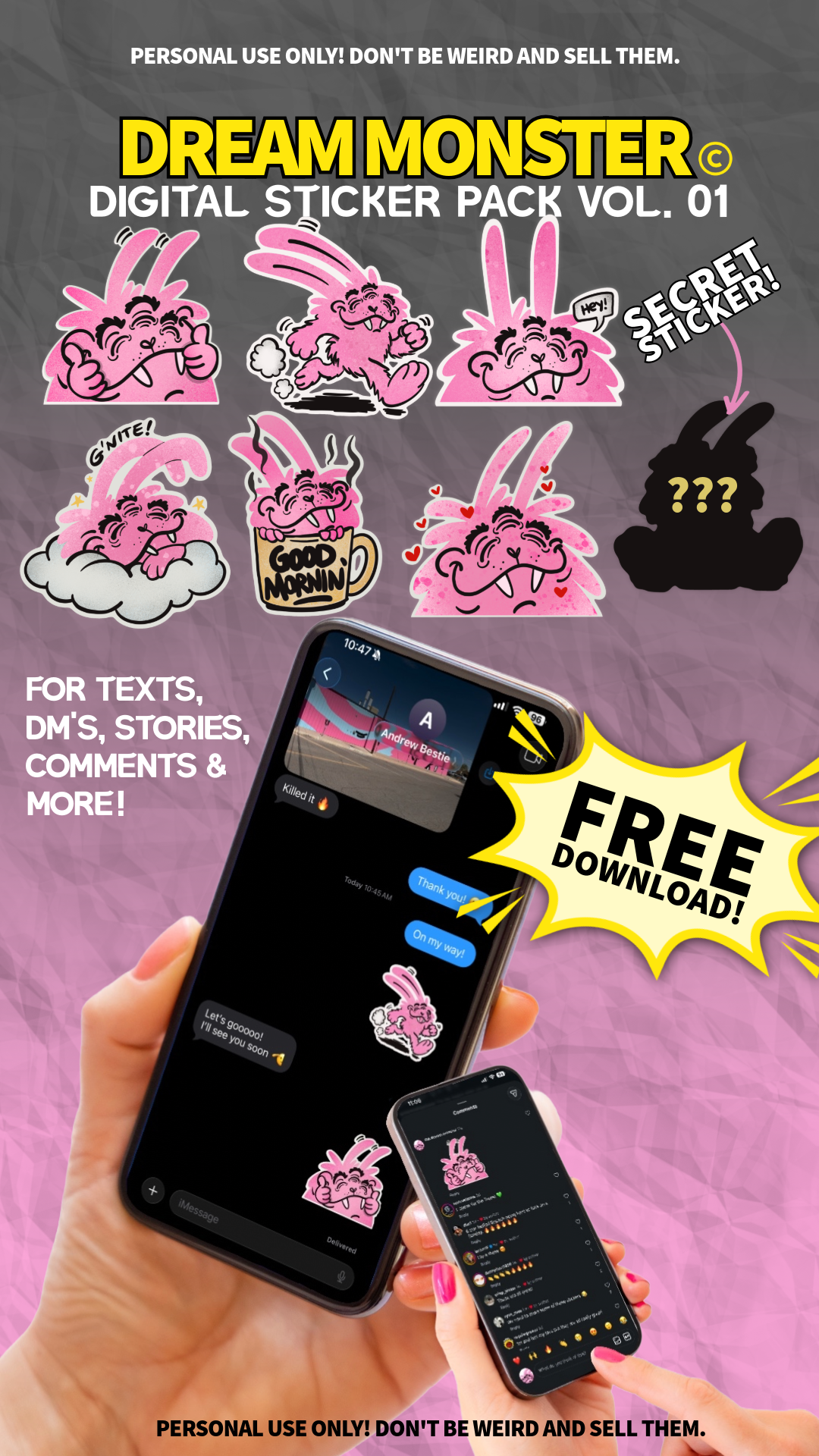 Image 1 of 8
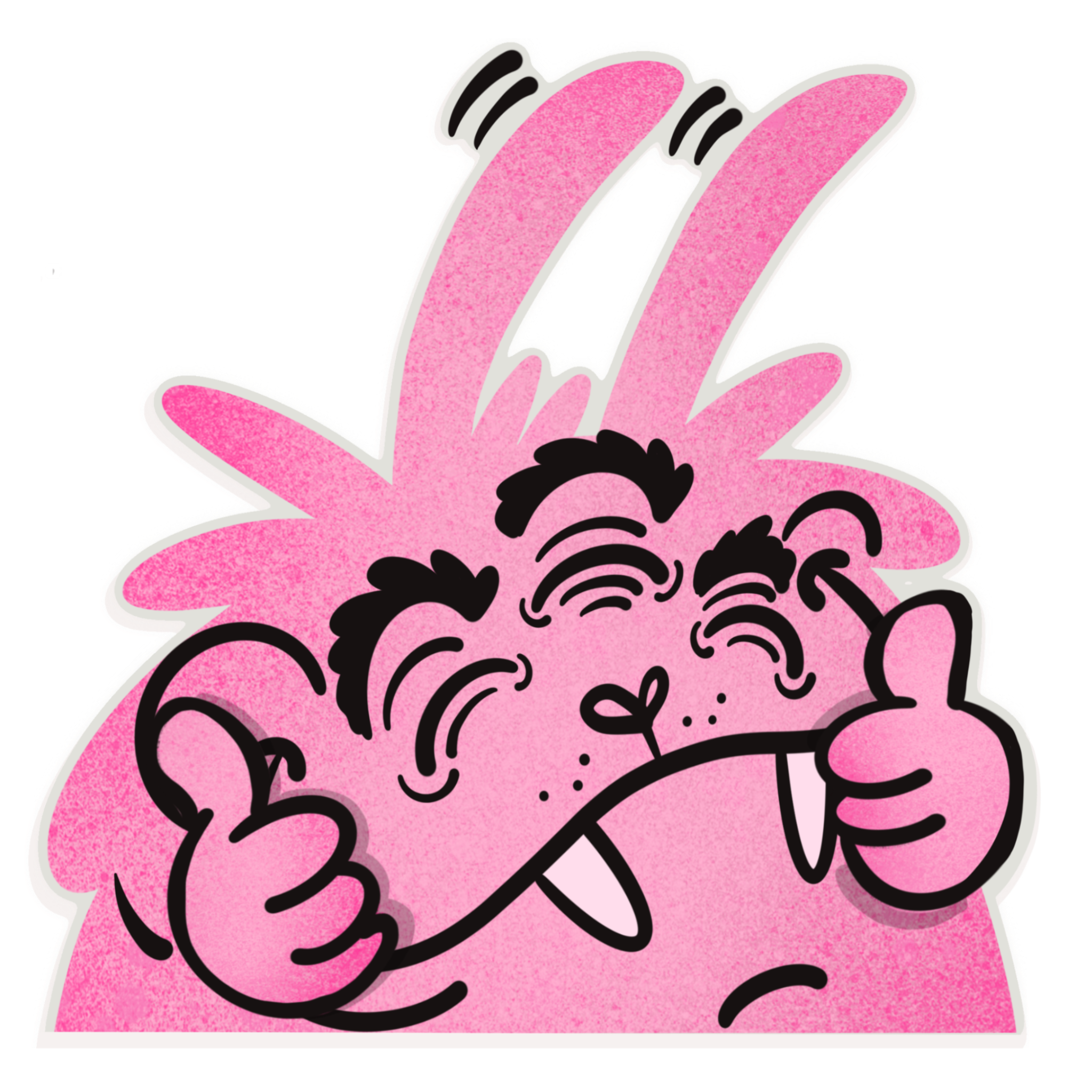 Image 2 of 8
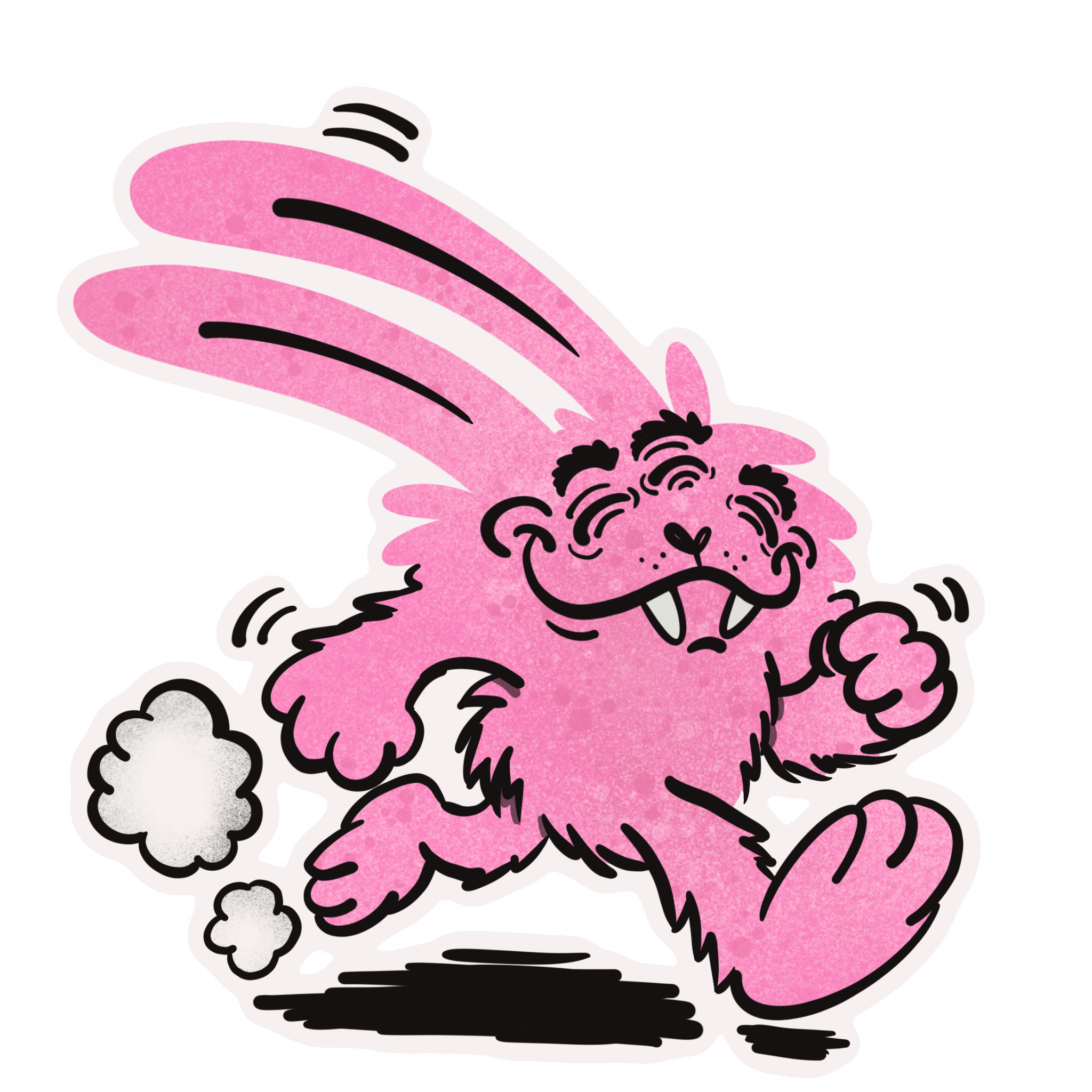 Image 3 of 8
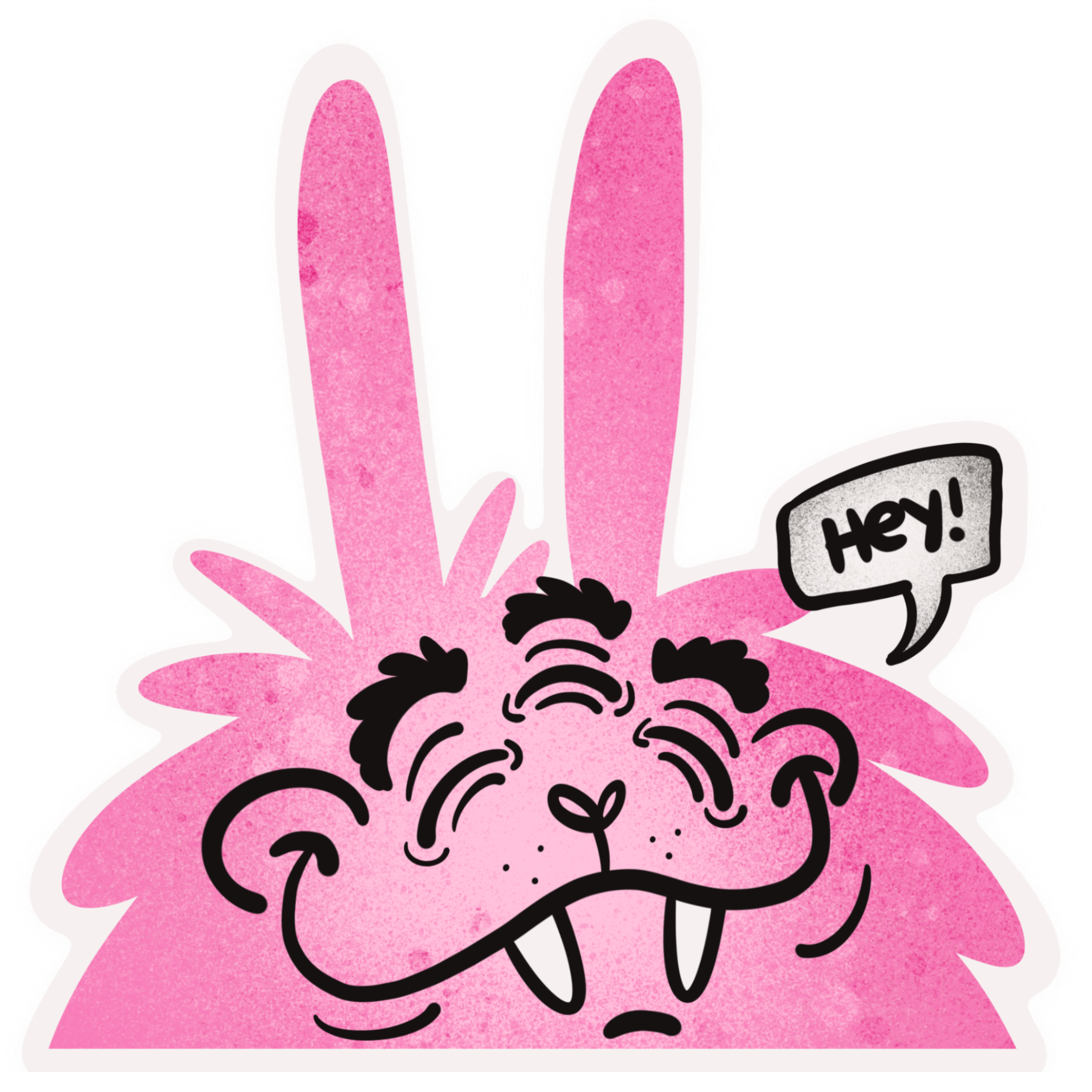 Image 4 of 8
 Image 5 of 8
 Image 6 of 8
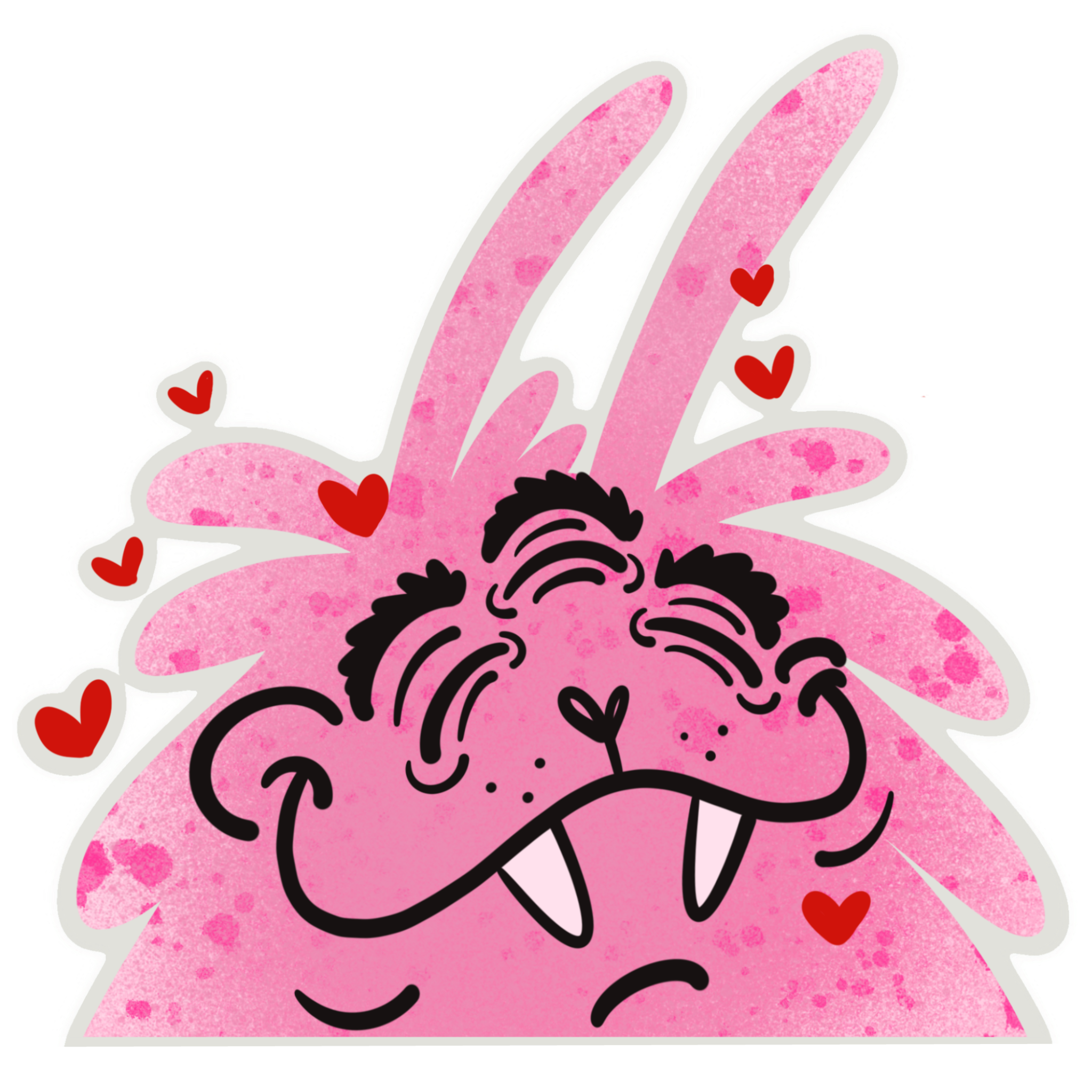 Image 7 of 8
 Image 8 of 8